
FOR DRIVERS · HOW IT WORKS
Park. Scan.
Enjoy your day.
Scan the QR code on the PARKLINQ sign, enter your license plate and start your parking from your phone.
A visit to the beach. A quick coffee. A day well spent.
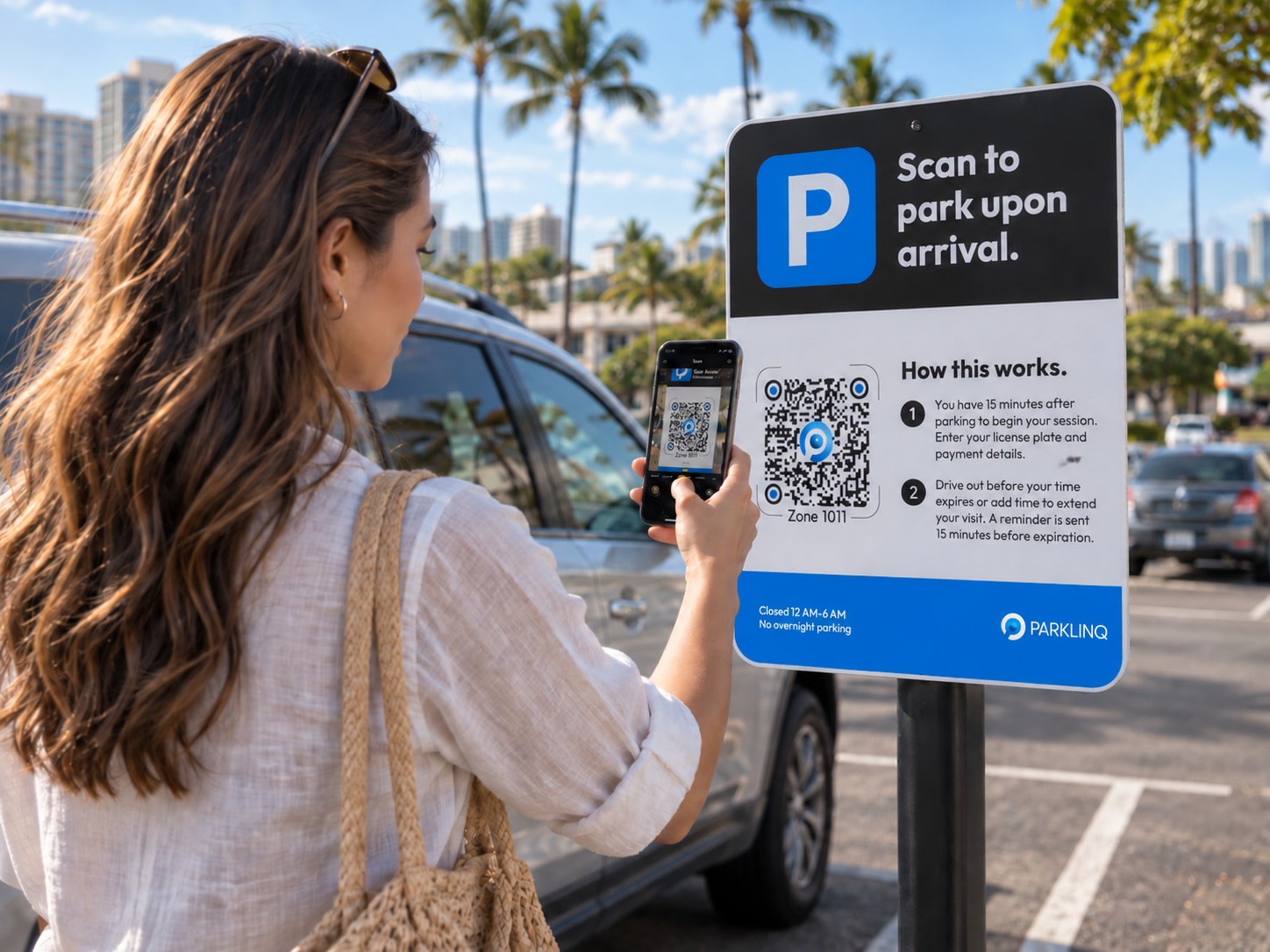
Less waiting. More enjoying.
At our gateless locations, pay from your phone and head out when your visit is done.
- No gate arms
to hold you up. - No pay machine
to depend on. - No paper ticket to lose
—or lost-ticket fee.
FROM PARKED TO ON YOUR WAY
Three steps. Then go enjoy.
- 01
Park.
Drive in, park and look for a QR code sign. No gates or pay machines.
- 02
Scan.
Open your phone’s camera and scan the QR code on the sign. No app or account needed.
- 03
Pay.
Enter your plate, choose your time and pay with Apple Pay, Google Pay or a card.
Need more time? Get a reminder 15 minutes before your time is up and extend from your phone, where available.
A LITTLE EXTRA, WHERE YOU QUALIFY
You may already have
a parking perk.
At participating locations, eligible residents, members and customers can get free or discounted parking—or access to designated spaces.
FOR ELIGIBLE LOCAL RESIDENTS
A local benefit.
A familiar place.
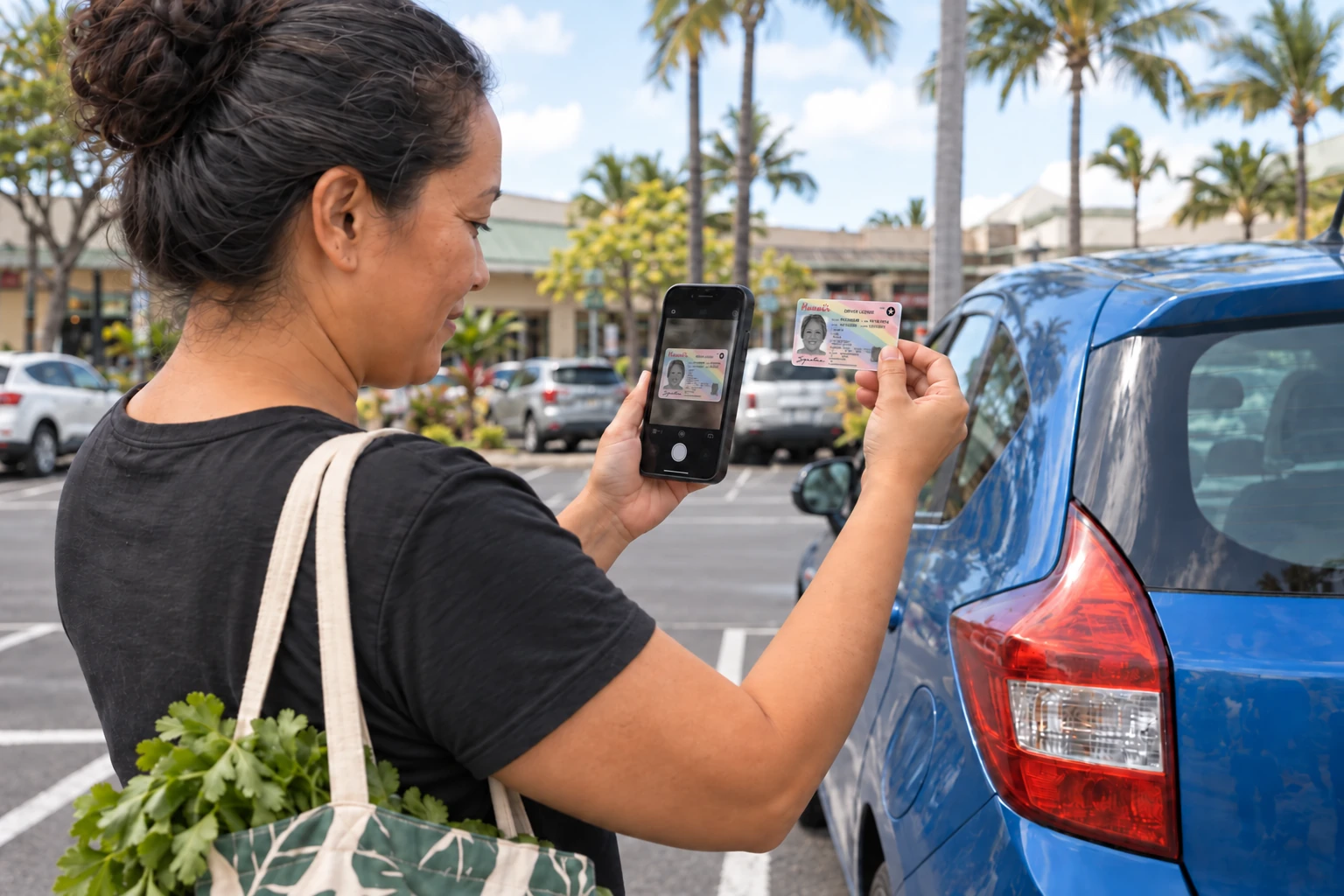
Look for LocalPerks™ when you start parking. Participating properties offer special benefits to eligible residents who complete the required verification.
- Free time or discounted rates, where offered
- Verify with your Hawaiʻi resident ID
- Property-specific hours and eligible parking areas
Local benefits are tailored to each place—some welcome residents statewide, while others serve a particular island, ZIP code or community.

FOR MEMBERS & RESORT COMMUNITIES
Your membership
may include parking.
Your museum, aquarium, golf club or resort community may offer a parking benefit through PARKLINQ. Follow the property’s enrollment and parking instructions.
- Free or discounted parking, where included
- Designated parking areas for eligible members
- A registered plate, member code or other approval, as required
Benefits belong to the participating program. Membership alone does not confirm parking eligibility.
FOR CUSTOMERS & VISITORS
Shop. Dine.
Validate your parking.
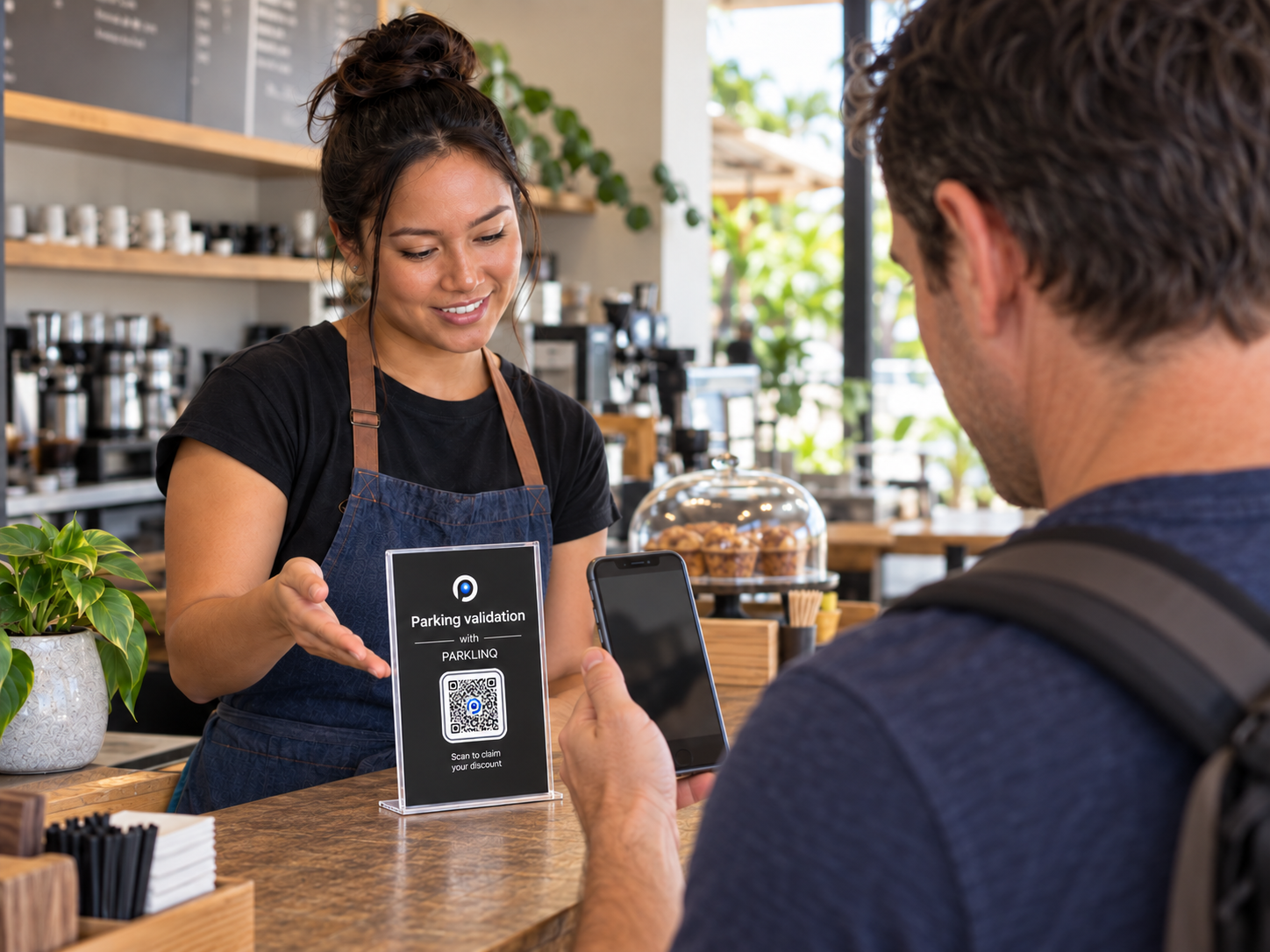
A participating business may offer free or discounted parking when you visit. You’ll see the benefit up front. At most locations:
- Scan the QR code in the parking lot and pay for parking.
- After your purchase, use your parking receipt to scan the business’s validation QR code.
- Activate your validation to receive the full or partial refund shown in the offer.
Some locations offer a free grace-period session to validate before it ends, or a kiosk inside the business where you enter your license plate instead.
Your location sets the details. Benefits, verification, eligible spaces and availability vary by property.
GOOD TO KNOW
A little help,
when you need it.
Questions about your parking, payment or benefits? We’re here to help.
Get parking supportWhat if the QR code won’t scan?
Use the zone number printed on the sign on our Start Parking page. You can also call the number on the sign to pay, or ask a nearby parking attendant for help.
Do I need to start a session if my parking is free?
It depends on your program. Some monthly or annual permits cover your registered plate automatically, so you can come and go without starting a session. Other programs require a session each visit—even when parking is free—using a membership code, resident verification or customer validation. Follow your program’s instructions.
Can I stay longer?
Yes—extend your time right from your phone, without returning to your car or the parking lot. You’ll also get a reminder 15 minutes before your time is up, so you can add more time and keep enjoying your day.
How do I use my membership benefit?
Your membership may include free or discounted parking, or access to designated spaces. Your membership provider or PARKLINQ can help you get started: some programs use a code, ID verification or validation each visit; others link a permit to your plate so you can come and go without checking in.
WHEN YOU ARRIVE
Your next stop starts here.
Look for the PARKLINQ sign and scan to get started.